All your web apps in one Mac window.
Gmail, Slack, Notion and the rest each keep their own tab. They stay signed in and open where you left them, even after a restart.
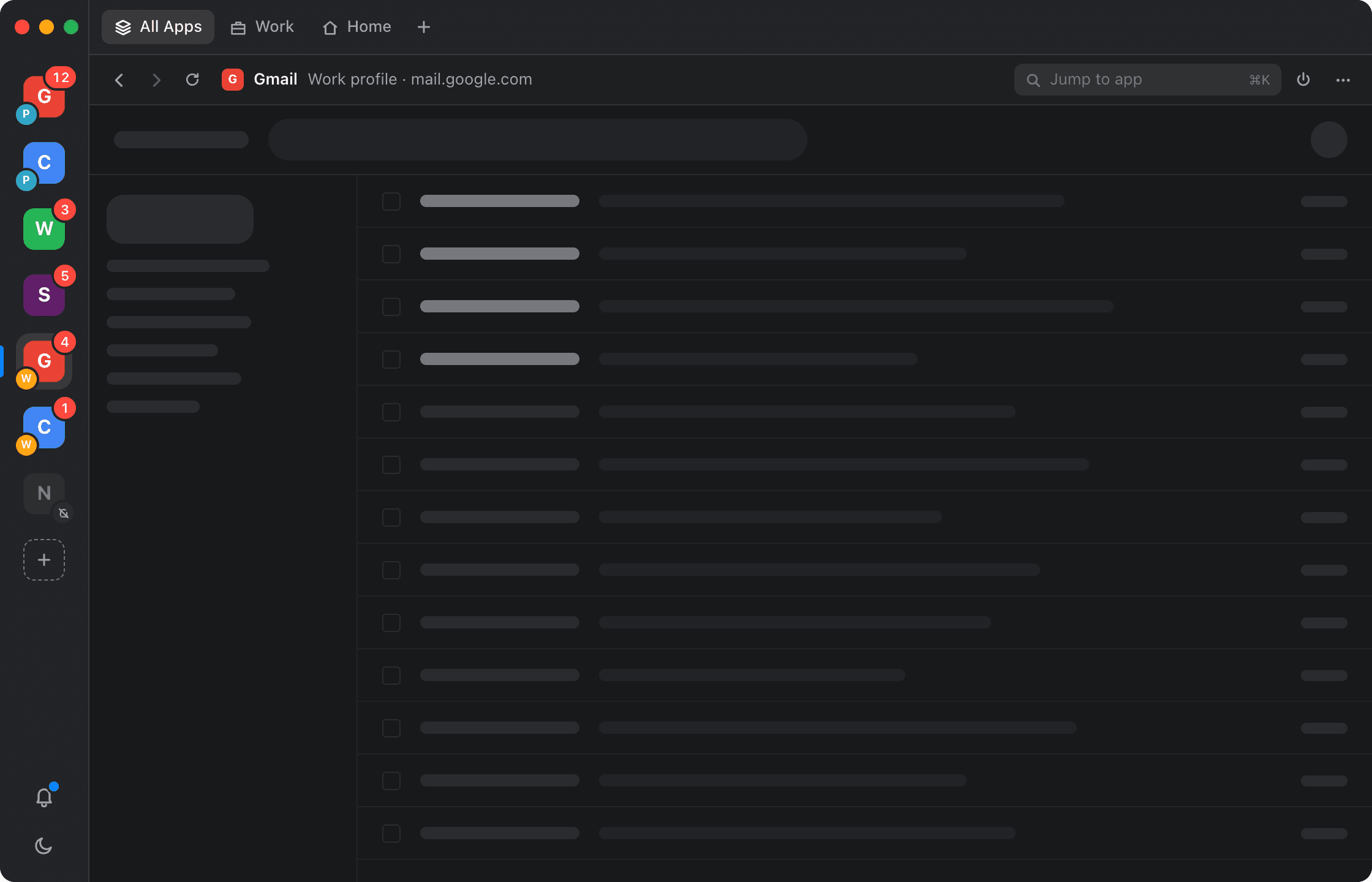
Live preview. Click an app in the sidebar to switch.
Use two accounts of the same app
Add Gmail once for Personal and once for Work. Each copy shows a coloured dot and its profile name in the sidebar, menus and notifications.
Hold notifications while you focus
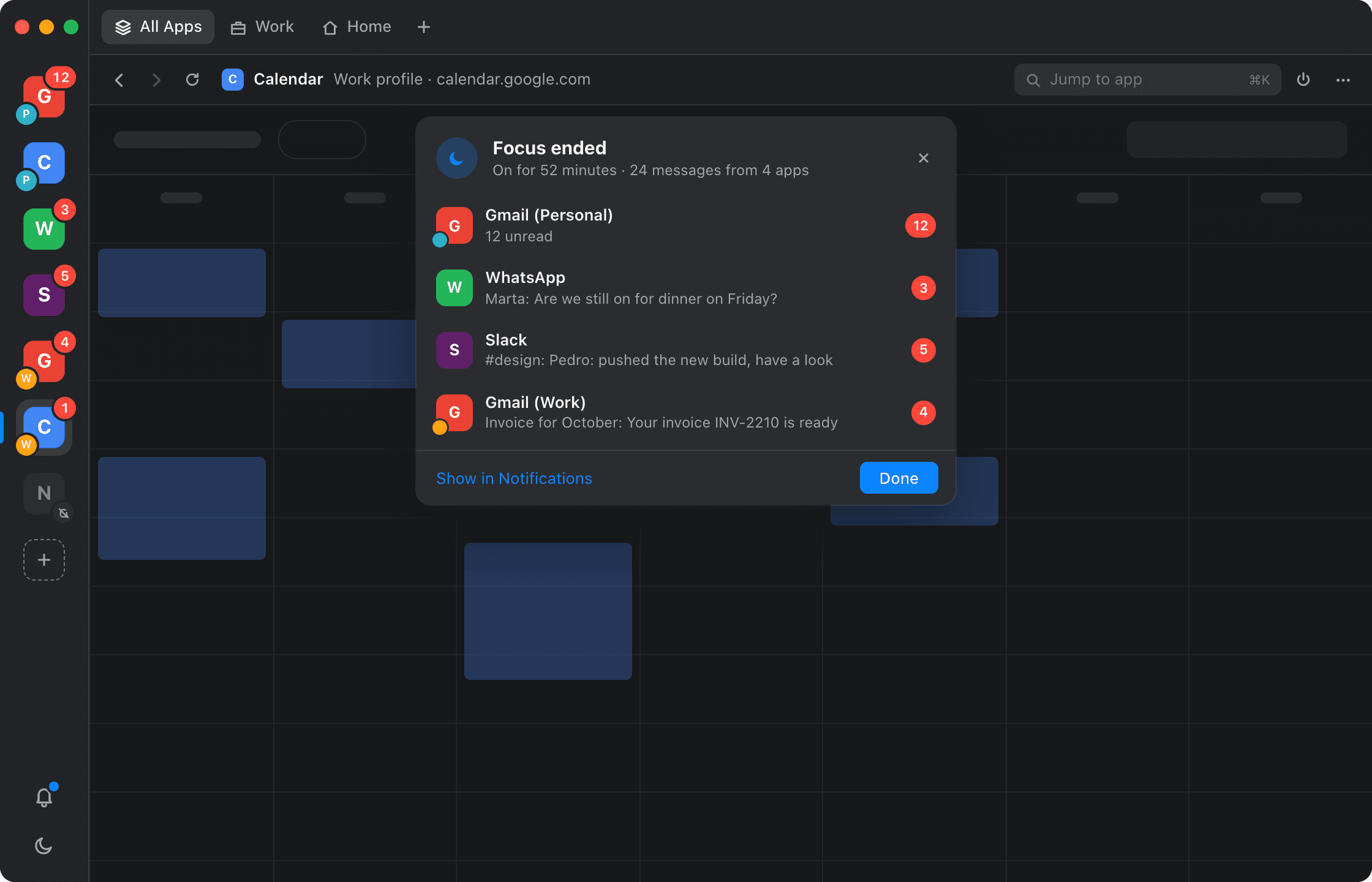
Turn on Focus and Corral holds notifications. When Focus ends, you see what arrived in each app. Click an app to open it.
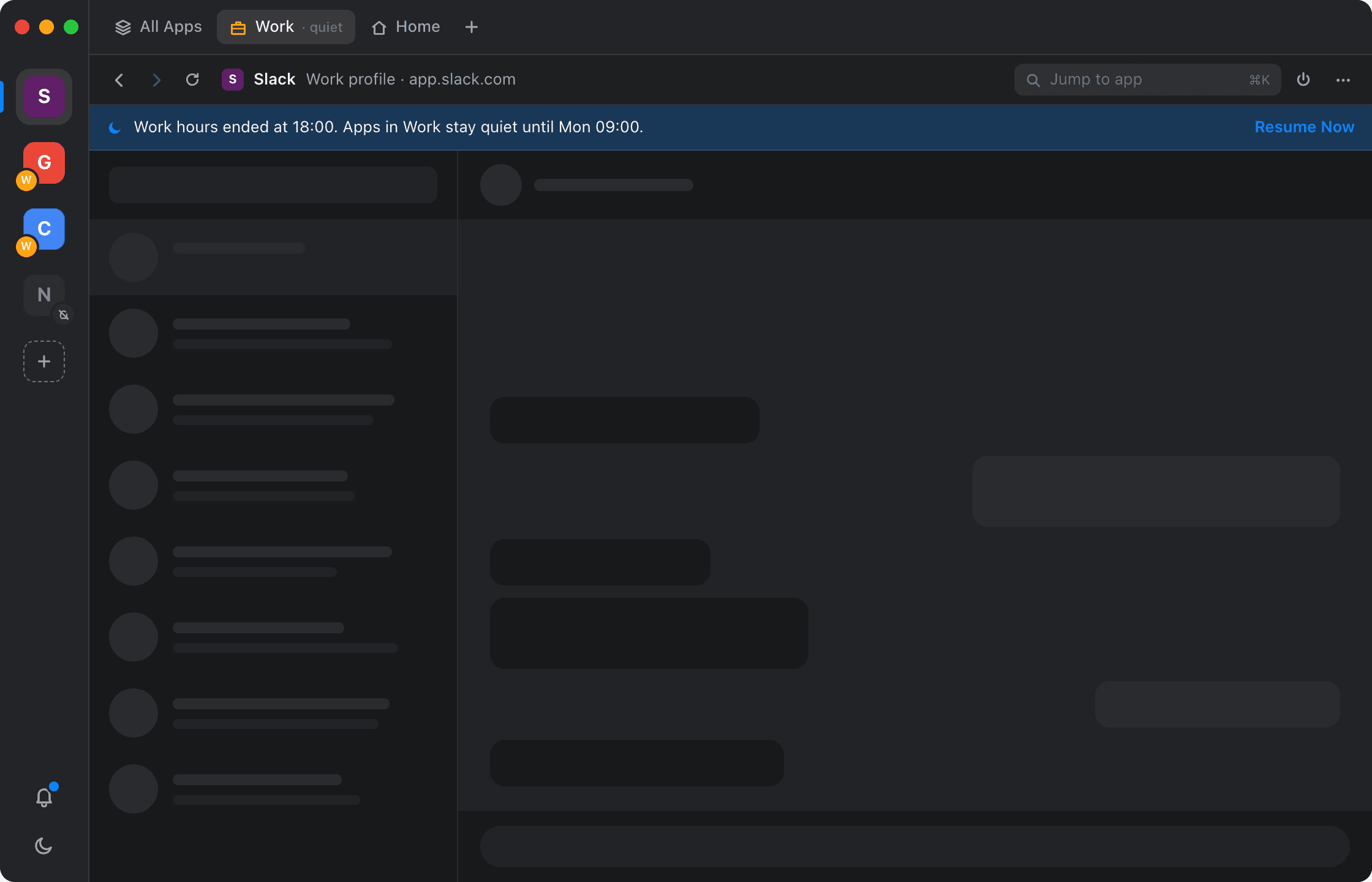
Silence work apps after hours
Group apps into workspaces and set hours for each. Outside those hours, the workspace hides its badges and notifications. You can resume early.
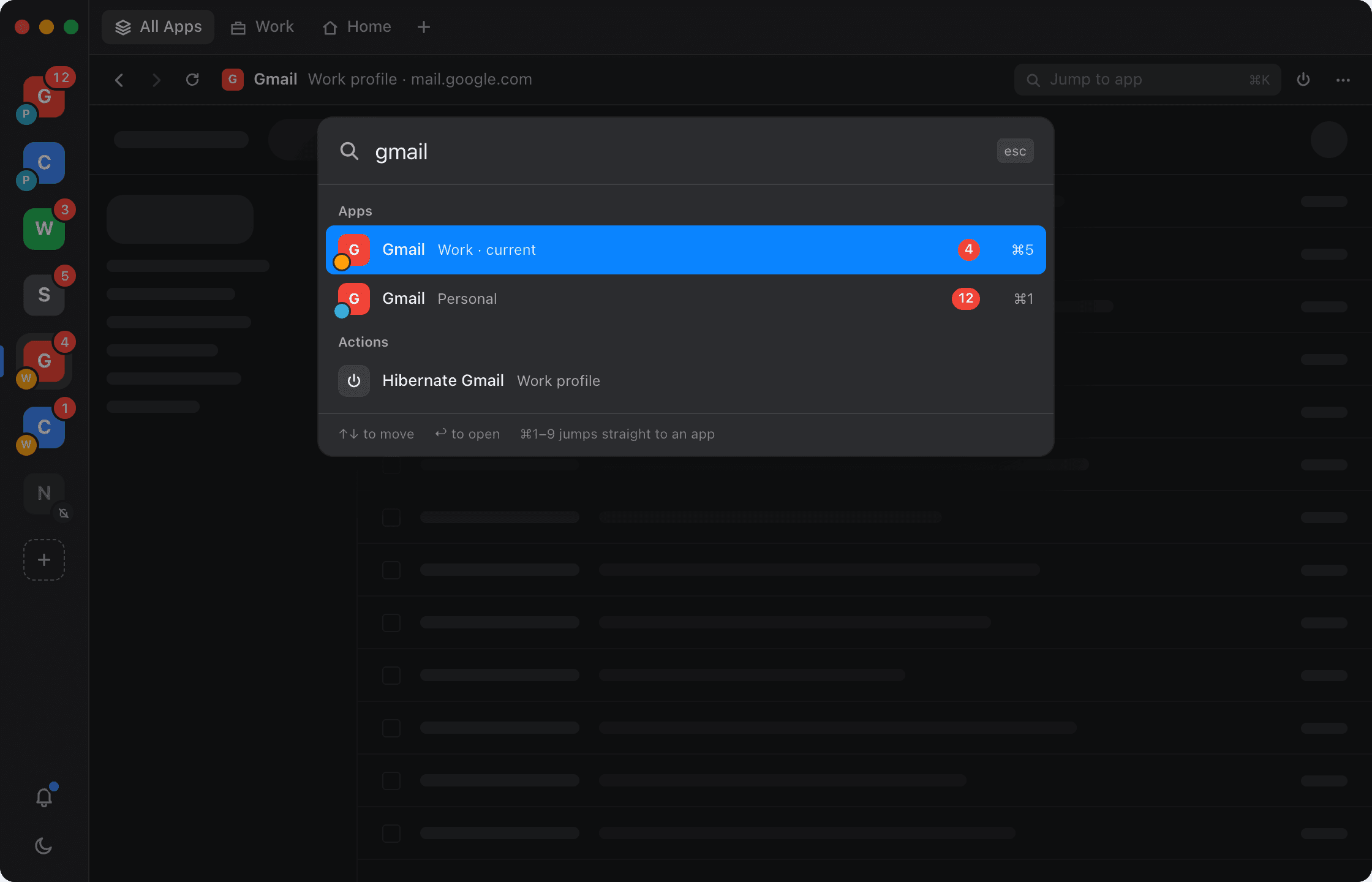
Switch apps from the keyboard
Press ⌘K and type part of a name. The list shows apps, accounts, workspaces and actions, with unread counts.
Your logins stay on your Mac
Corral has no servers and no account. Your apps load straight from Google, Slack and the rest, and their cookies and data are stored only on this Mac.
Personal and Work each get their own cookies and storage. Two accounts of the same app can’t see each other.
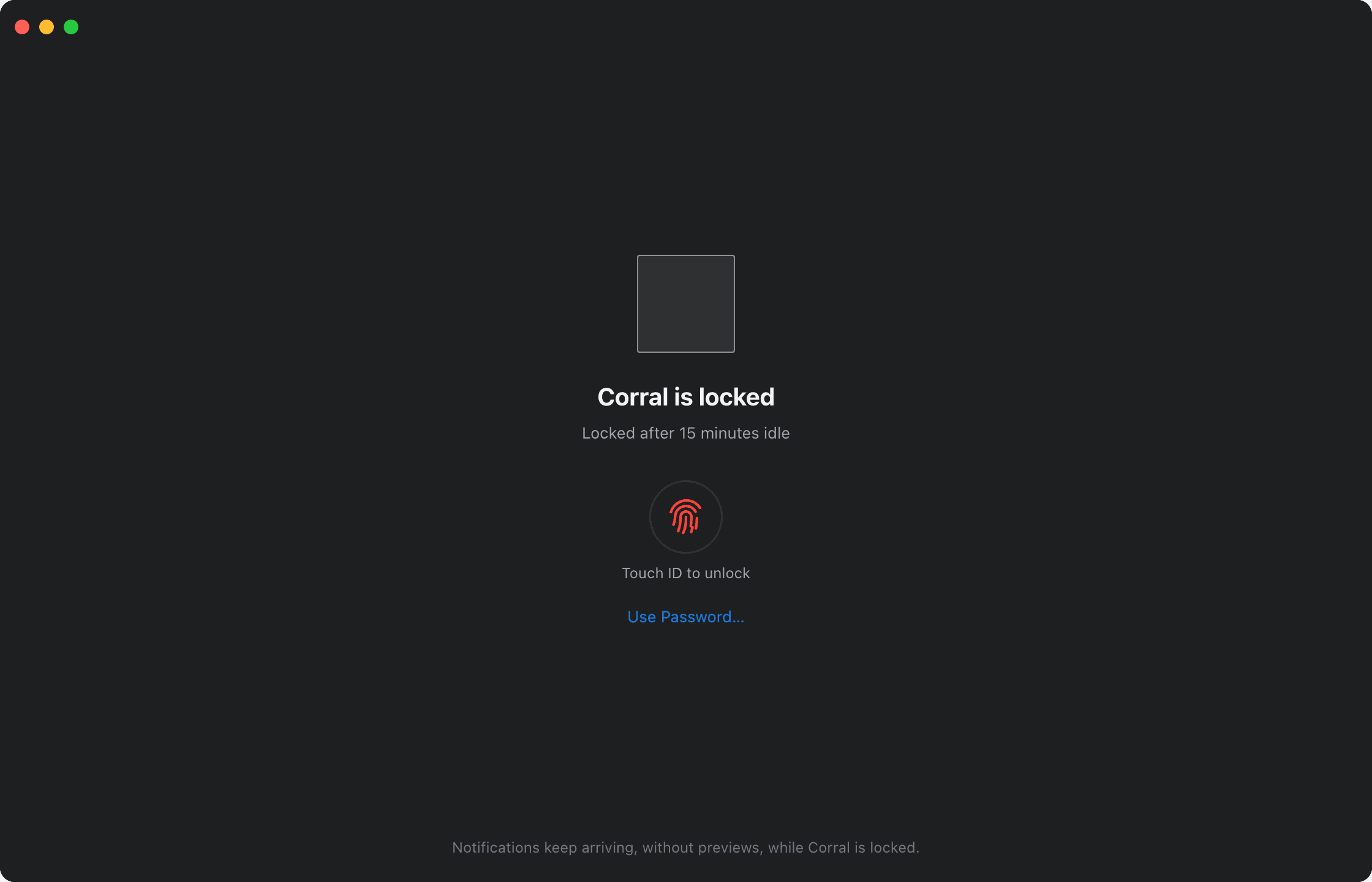
Lock Corral when you step away. Pages and message previews stay hidden until you unlock it.
Choose for each app whether banners show the message or just the sender.
Corral asks before an app uses your microphone, camera or location, and remembers the answer for that app only.
Signing out of a profile deletes its cookies and site data. Corral lists the apps affected before it does.
You sign in to each app directly. Corral never sees your passwords.
Works with the rest of macOS
Shows your total unread count. Click it to see the count for each app.
The Dock icon shows the unread total. Right-click it to open an app.
macOS banners show the app’s icon and which profile it came from.
Lock Corral when you step away and unlock it with Touch ID.
Apps you haven’t used for a while are paused to save memory. They resume when you click them.
Choose for each app whether links open in Corral or in your browser.
Try the Corral beta
Corral is still in beta. Expect some rough edges, and use the Feedback button to tell us what breaks. The beta is free, and it updates itself as new versions come out.
Download the beta